Trivia Board
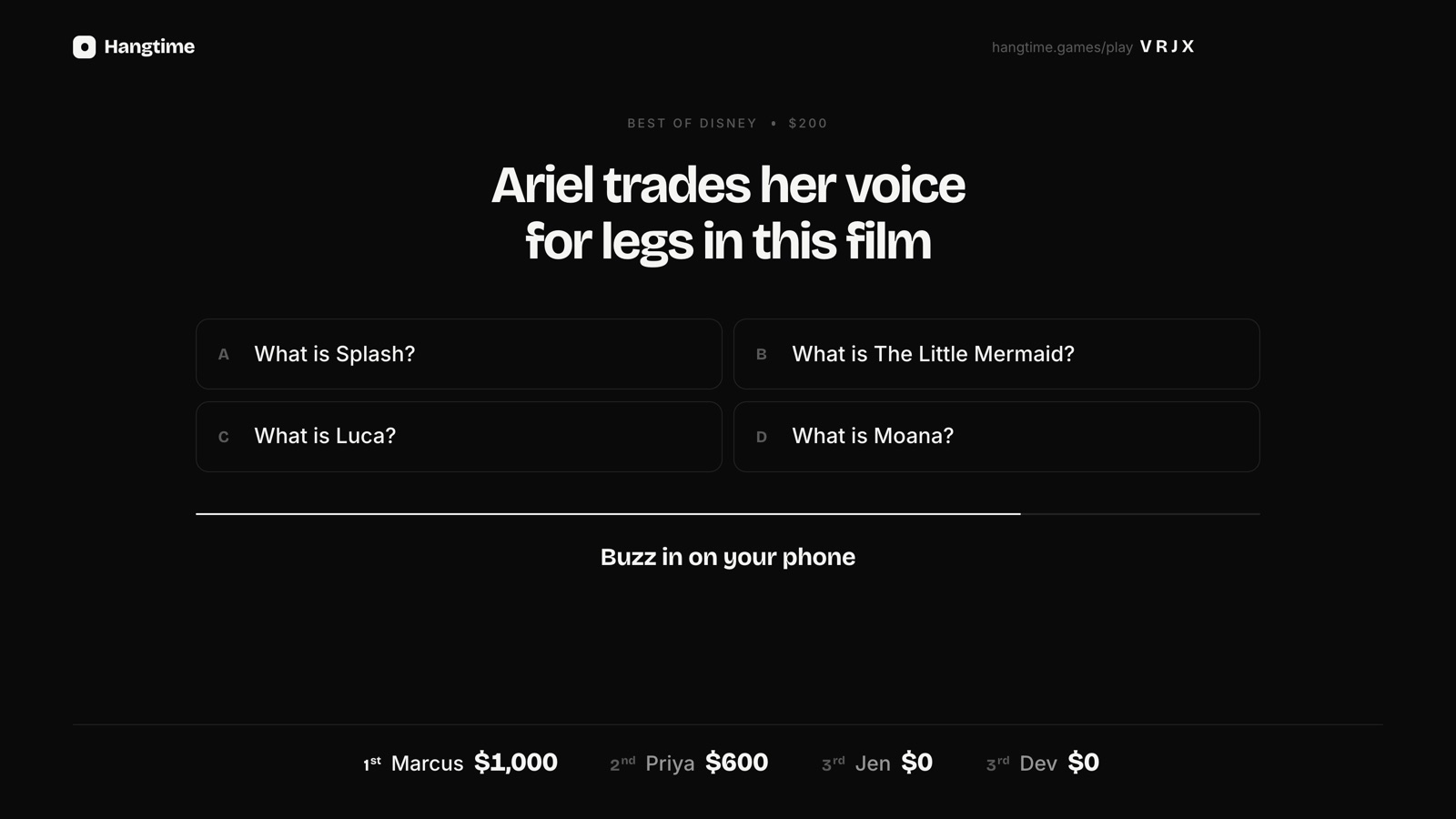
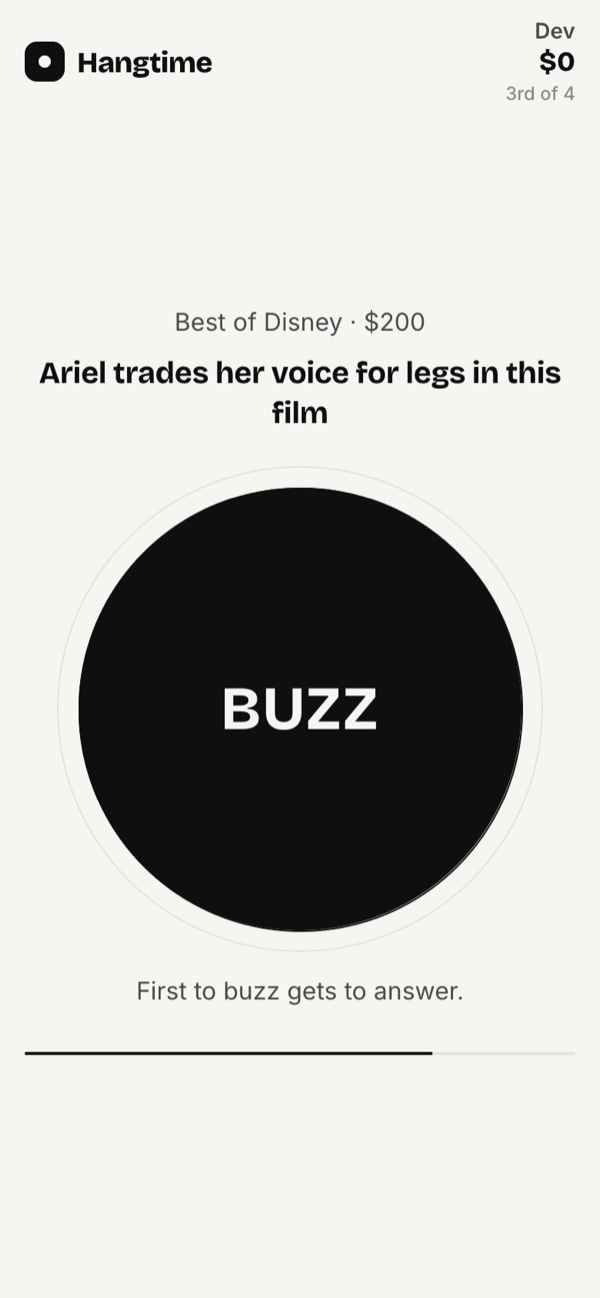
Jeopardy-style trivia on the projector. Pick 3 to 6 categories, students buzz in from a phone, and answers come in the form of a question. It takes up to 8 players, so split the class into up to 8 teams with one phone each.
Put the game up on the projector or smartboard and let students play from phones or shared devices. There's nothing to install, students never make an account, and the three games that suit a classroom best are free.
The games that work best with a class, and how to fit them to a full room.
Jeopardy-style trivia on the projector. Pick 3 to 6 categories, students buzz in from a phone, and answers come in the form of a question. It takes up to 8 players, so split the class into up to 8 teams with one phone each.
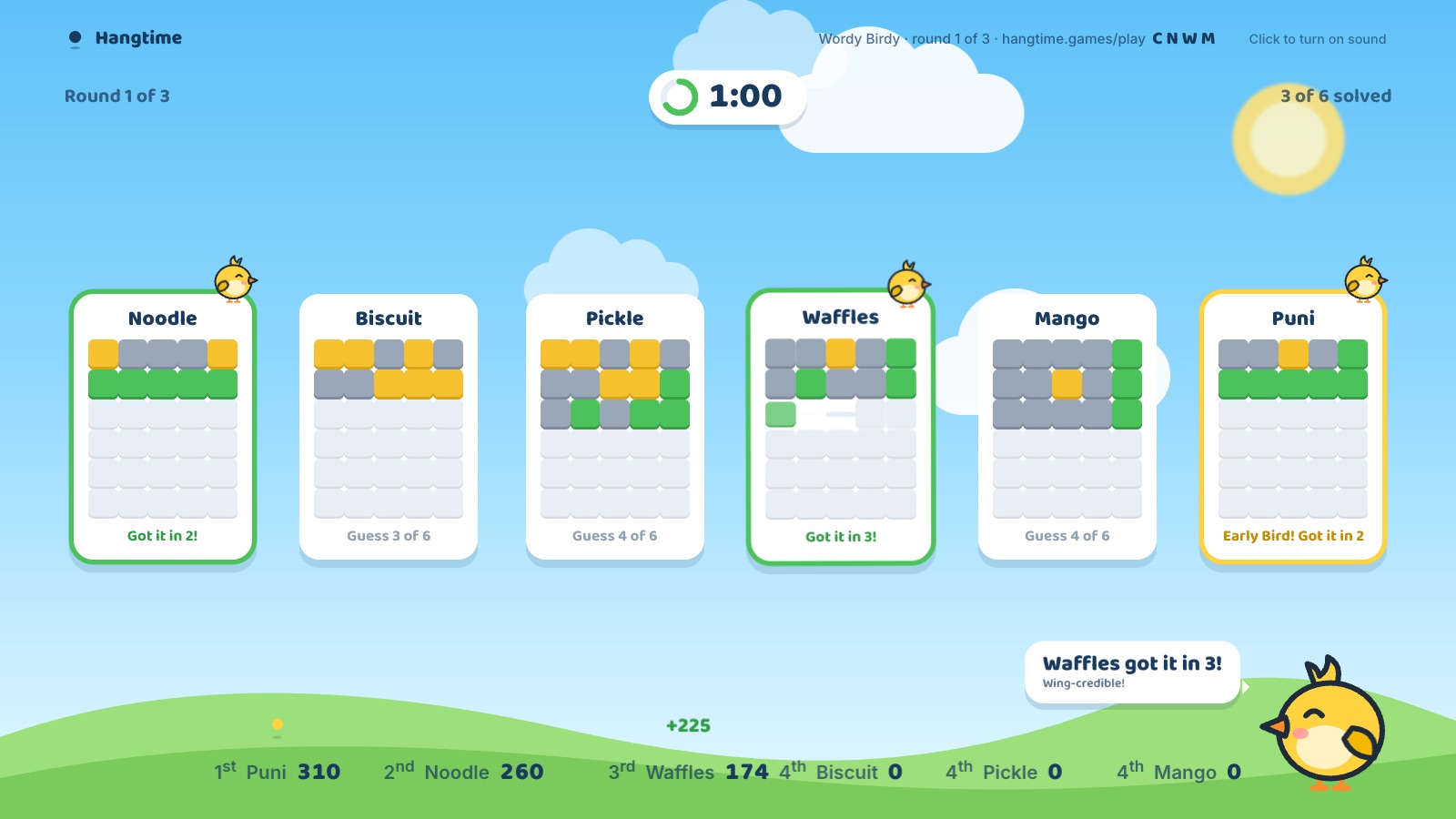
Everyone races to crack the same five-letter word. The board shows each player's colors but never their letters, so nobody can copy. Play 3, 5 or 7 rounds, and the words are common everyday ones. Up to 10 players or teams.
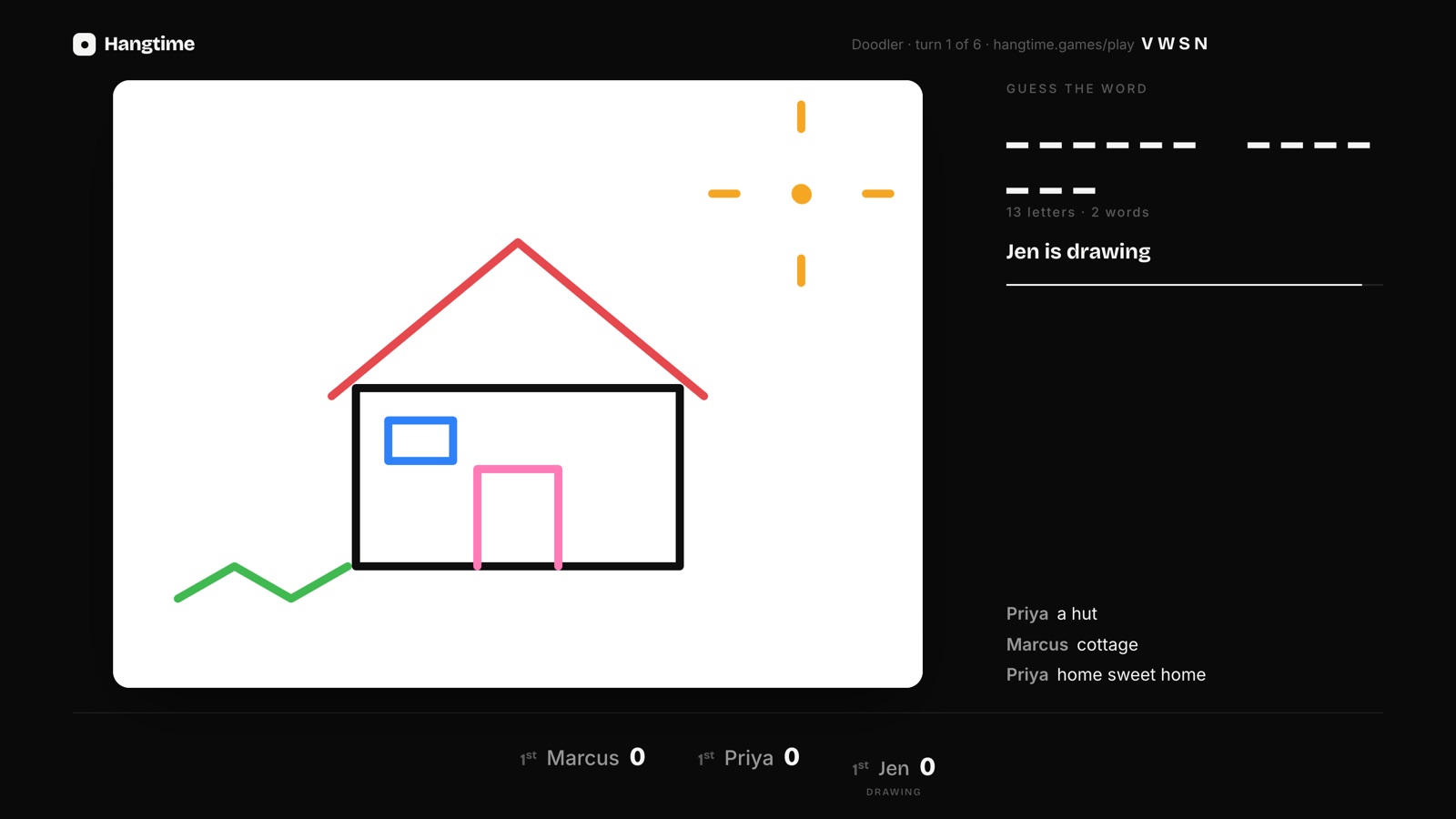
One student draws on a phone, the rest guess. Kid mode swaps typing for big multiple-choice guesses for younger classes. Up to 10 players or teams.
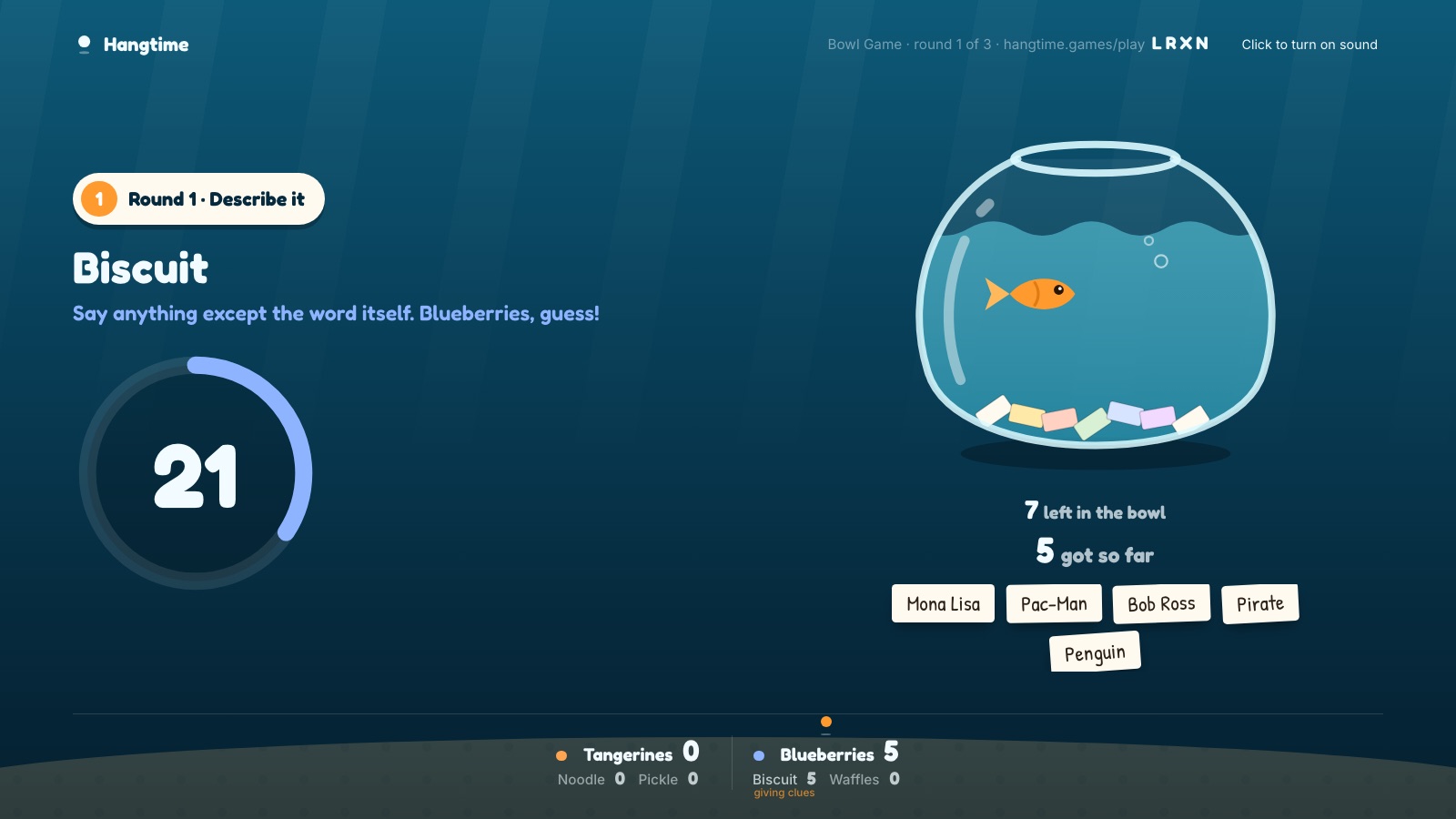
For review days: students write this unit's terms or names as the slips, then two teams describe, one-word and act them out. Up to 16 players. It's in the Launch Pack, so it needs a $5 one-time purchase by the teacher.
Teams work fine: a team shares one device and counts as one player. Trivia Board fits up to 8 teams, Hang Five and Doodler up to 10.
Yes. Trivia Board is free, runs in the browser on any projector or smartboard, and students buzz in from a phone. Pick 3 to 6 categories from 580+ clues across 23 categories, plus live ones written each day.
No. Students join at hangtime.games/play in a web browser with a four-letter code and a name. The teacher doesn't need an account for the free games either.
Put them in teams sharing one device each. Trivia Board takes up to 8 players, so up to 8 teams; Hang Five and Doodler take up to 10.
Rarely. The board skips clues your class has already seen on that screen, and four live categories are written fresh every day.
New to Hangtime? See how it works, or how it compares in Looking for a Jackbox alternative?
Hangtime is an independent party game site; all other trademarks belong to their owners.