Put a game on the conference-room screen and everyone plays from their own phone. No app to install, no accounts, and remote coworkers can join from home with the same room code.
3 games freeWork-safe decksRemote coworkers can joinUp to 16 players
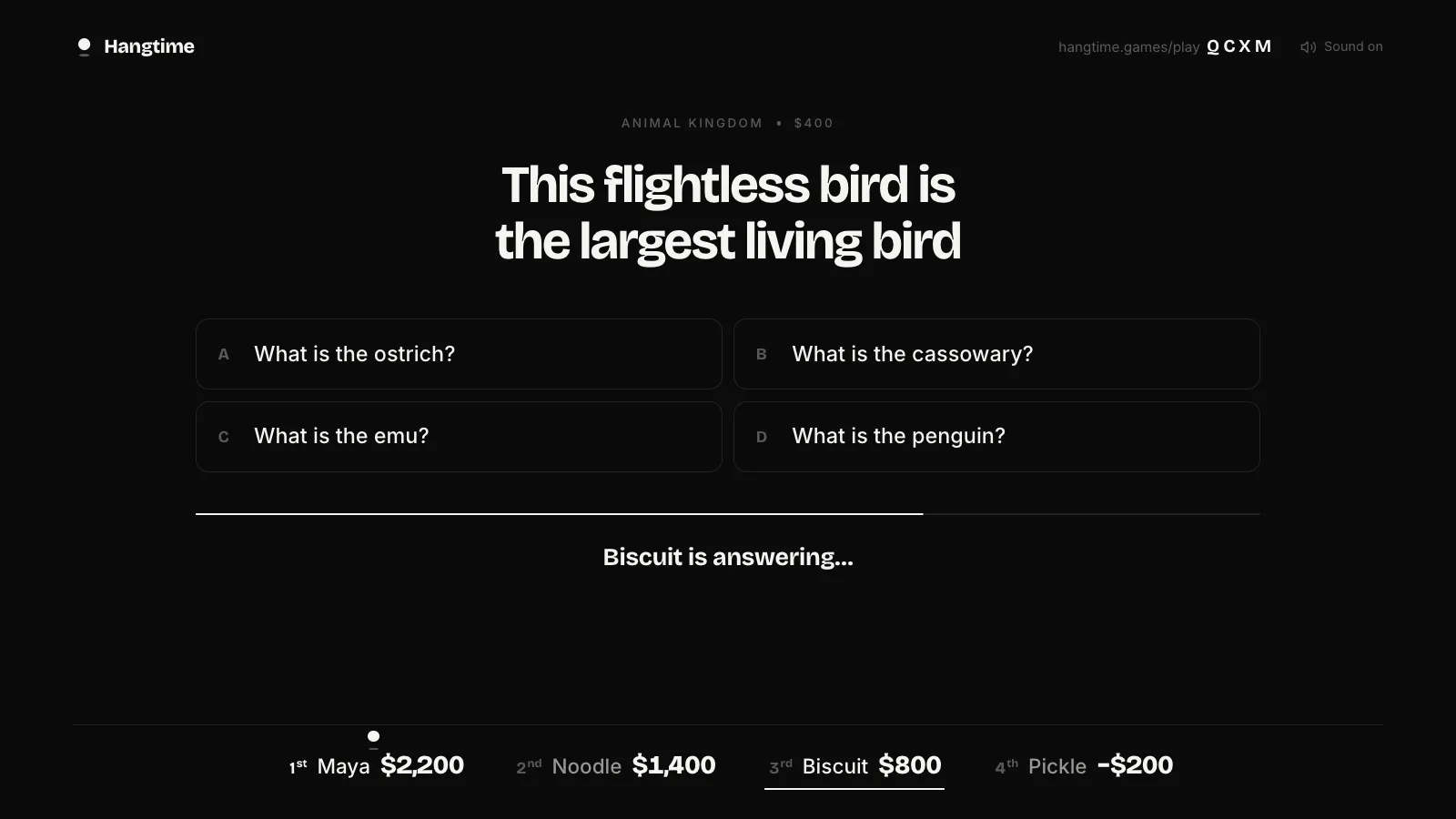
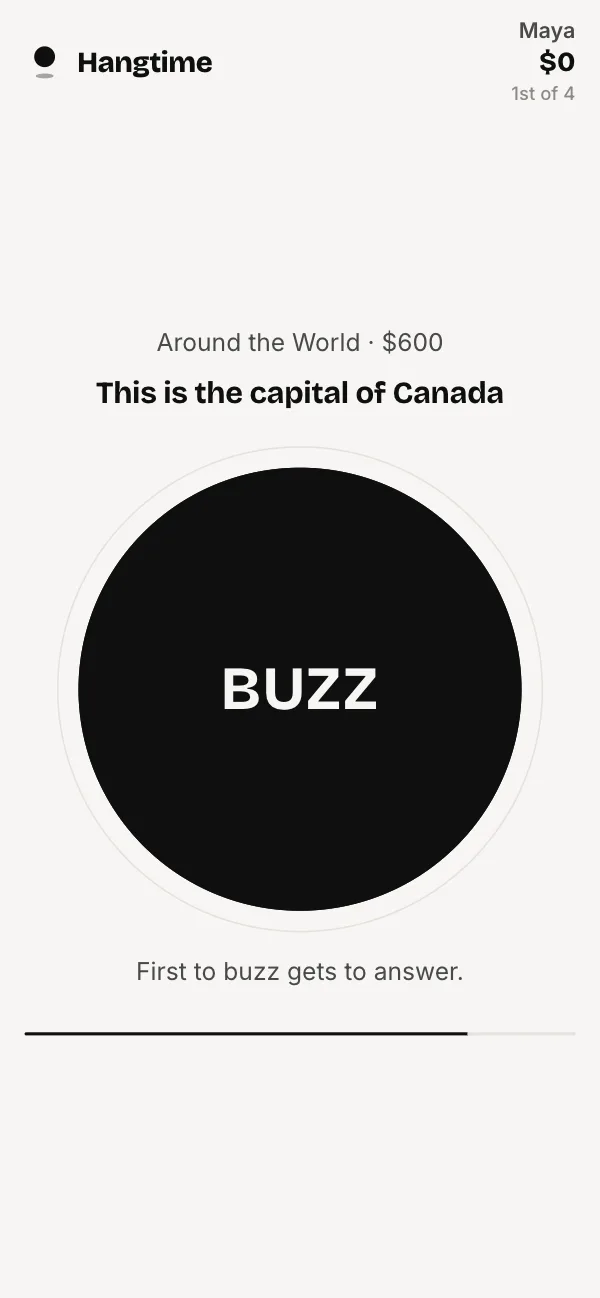
Jeopardy-style trivia on the big screen, with everyone buzzing in from their phone. Write a category about the office, like who said it in last month's all-hands or whose desk plant this is. For a big room, split into teams of two or three and let each team share one phone.
Launch Pack ($5 once) · 4–16 players · Plays remotely too
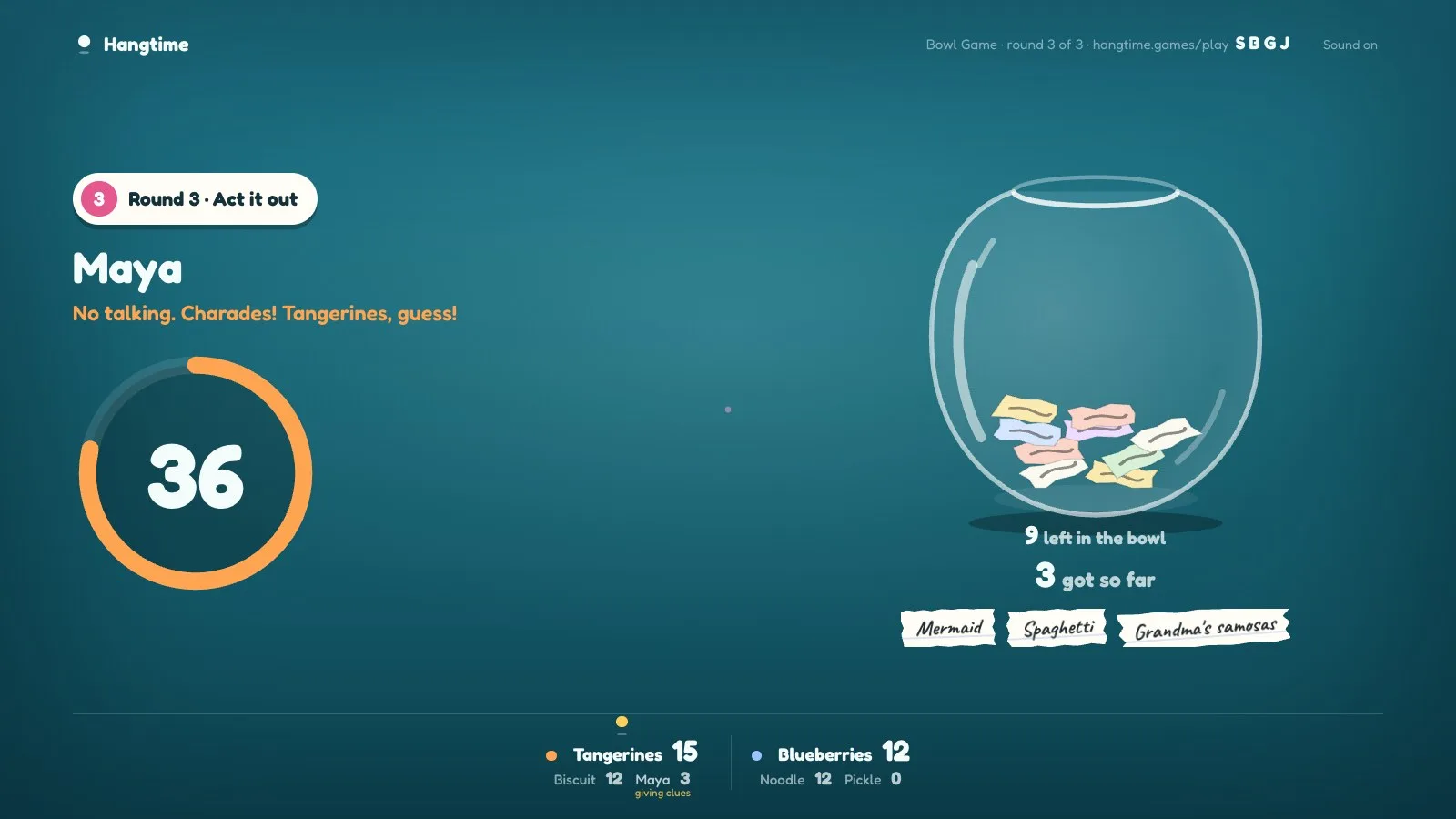
The Fishbowl game in two teams. Everyone writes names on their phone, then you describe them, give one-word clues and finally act them out. It gets people who barely talk at work on their feet, and it's the best pick when the whole team is there.
Launch Pack ($5 once) · 3–10 players · Plays remotely too
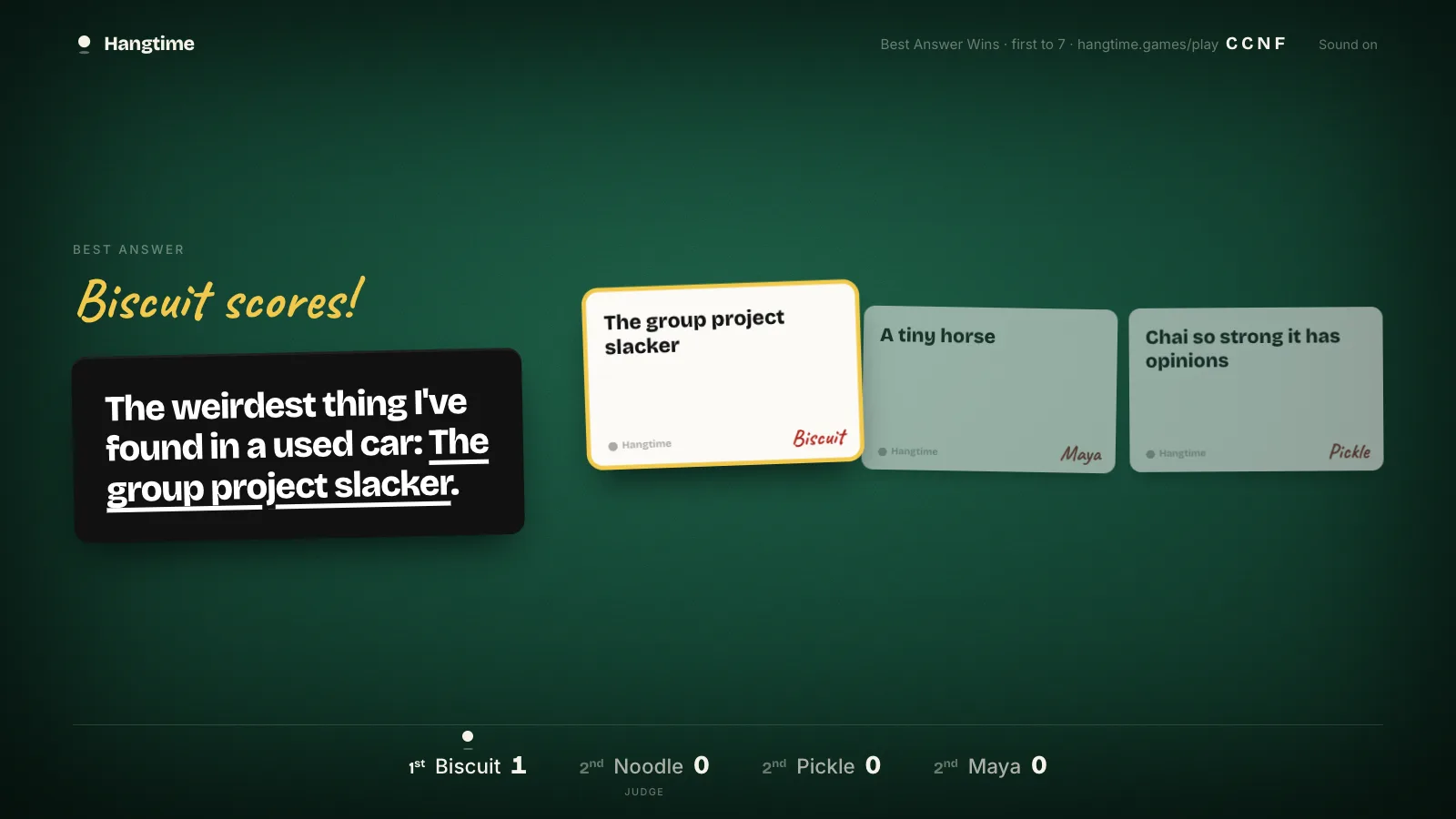
Fill in the blank with the funniest card in your hand. The host picks the deck, so keep it on Family for a work party and nobody has to explain anything to HR.
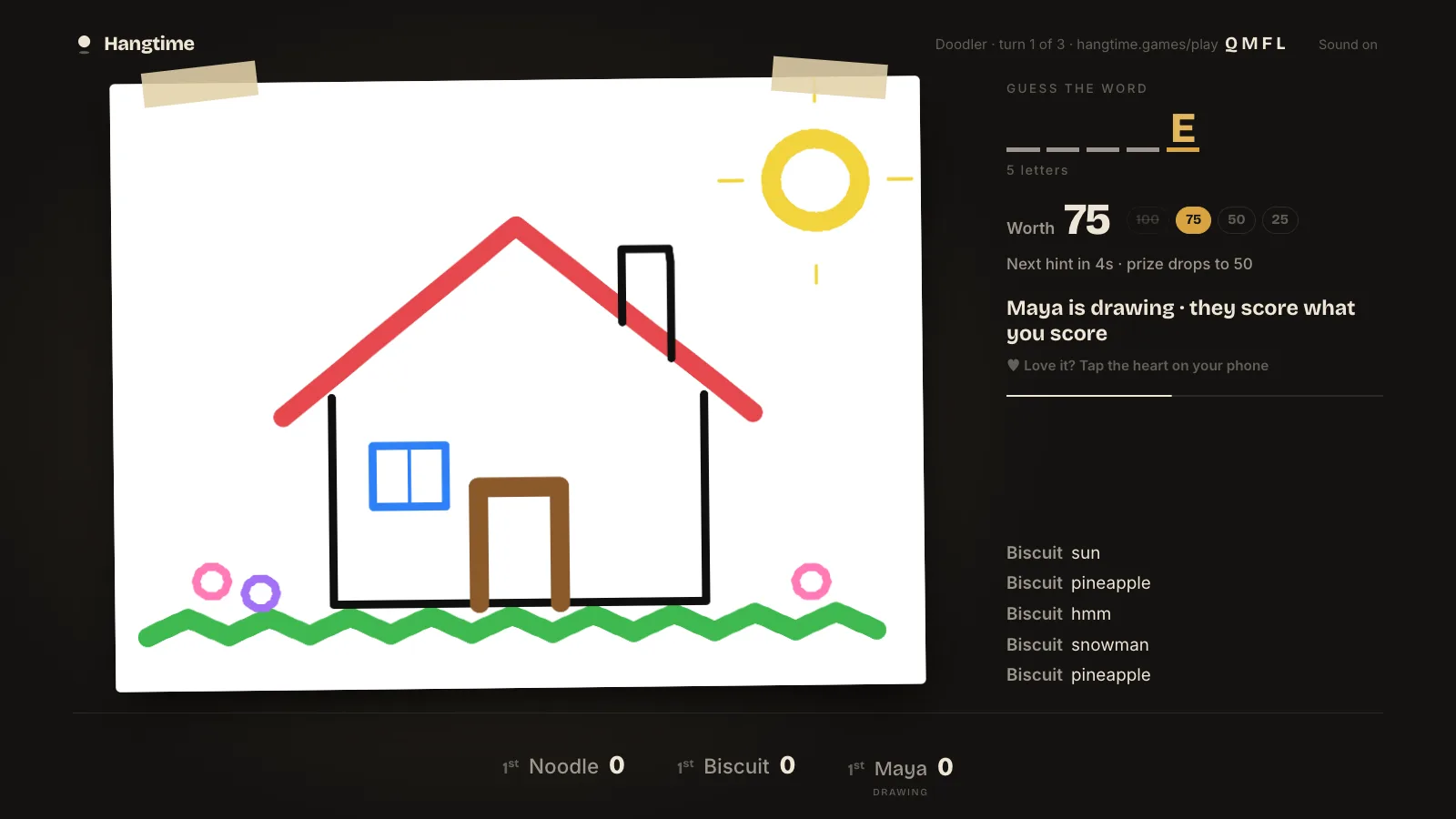
Draw on your phone while everyone else guesses. Nobody can draw, which is the point, and it works as well for a remote team as it does around a conference table. Free.
Everyone plays on their own phone, typing or drawing privately. Nobody has to stand up and perform, except in the last round of Bowl Game, which is acting.
It drags on all night.
Most games take 15 to 20 minutes. Play one or two between the food and the gift exchange, then stop.
Someone says something HR has to hear about.
Keep Best Answer Wins on the Family deck. The adult deck only appears if the host picks it.
The boss always wins the vote.
In Best Answer Wins, answers stay anonymous until the winner is revealed, so nobody votes for the person who signs their paycheck.
The remote people lag behind.
In remote mode the whole game runs on each person's phone, so there's no screen-share delay for people at home.
Everyone has to download an app or make an account.
Players go to hangtime.games/play and type a four-letter code. No app, no sign-up.
It costs a fortune per head.
Three games are free. The Launch Pack is $5 once, paid by the host, for the whole office.
There are too many people for the game.
Bowl Game takes 16 players. For a bigger group, pair people up on one phone or run two rooms on two screens.
Setting it up eats the first half hour.
Open hangtime.games/host on the screen and people scan the QR code. Nothing to install, so IT doesn't need to get involved.
The organizer ends up running everything.
The screen shows each step and keeps score, so whoever set it up gets to play too.
With part of the team remote
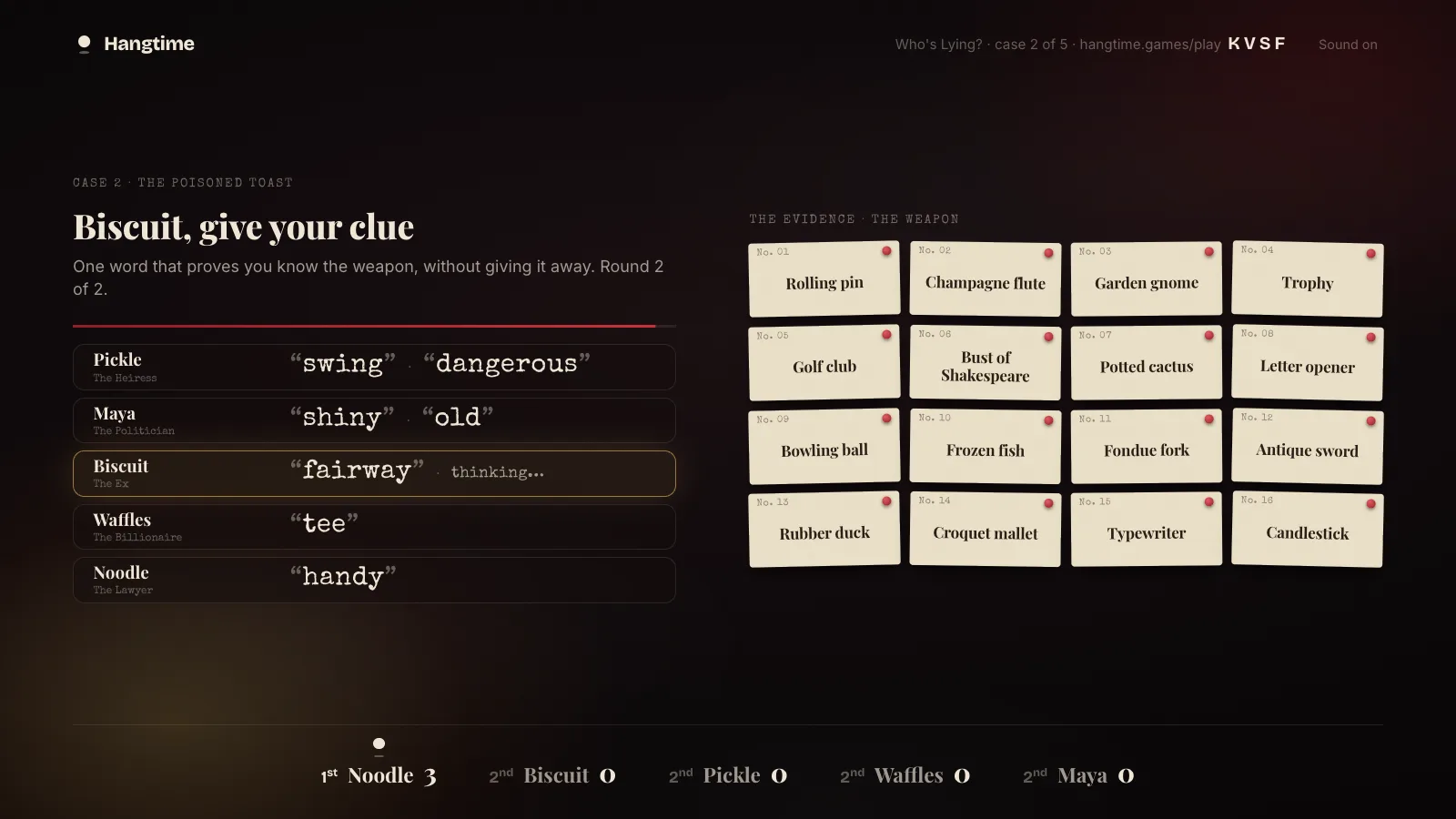
Doodler, Bowl Game, Best Answer Wins and Who's Lying? have a remote mode where the whole game runs on each person's phone, so coworkers at home can play over your usual video call with no screen sharing. Trivia Board plays best with everyone in the room, because buzzing in depends on speed.
How to start
Open hangtime.games/host on the conference-room screen or a laptop plugged into it, and pick a game. A four-letter room code appears, with a QR code to scan.
Everyone joins at hangtime.games/play on their own phone. No app, no account.
Play. The screen is the board and keeps score, and everyone's phone is their controller.
Questions
What are good games for an office holiday party?
Trivia Board with a category about your company, Bowl Game for a team of up to 16, and Doodler, which needs no skill at all. Everyone plays on their own phone, and the big screen shows the board and the scores.
Are the games safe for work?
Yes. Best Answer Wins has a Family deck and an After Dark deck, and the host picks which one. Keep it on Family and every game on Hangtime is fine for a work party.
Can remote coworkers join?
Yes. Most games have a remote mode that runs on phones, so people dialing in can play along over Zoom, Meet or Teams. They join with the room code like everyone else.
How many people can play?
Up to 16 in Bowl Game and up to 10 in most other games. For a bigger party, pair people up on one phone, or run two rooms on two screens.
How much does it cost?
Trivia Board, Doodler and Wordy Birdy are free. The Launch Pack adds five more games for a one-time $5, paid once by the host. Nobody else pays or makes an account.
Does IT need to install anything?
No. It runs in a web browser on the conference-room screen or a laptop plugged into it, and players join at hangtime.games/play.